One app to replace
the group chat chaos.
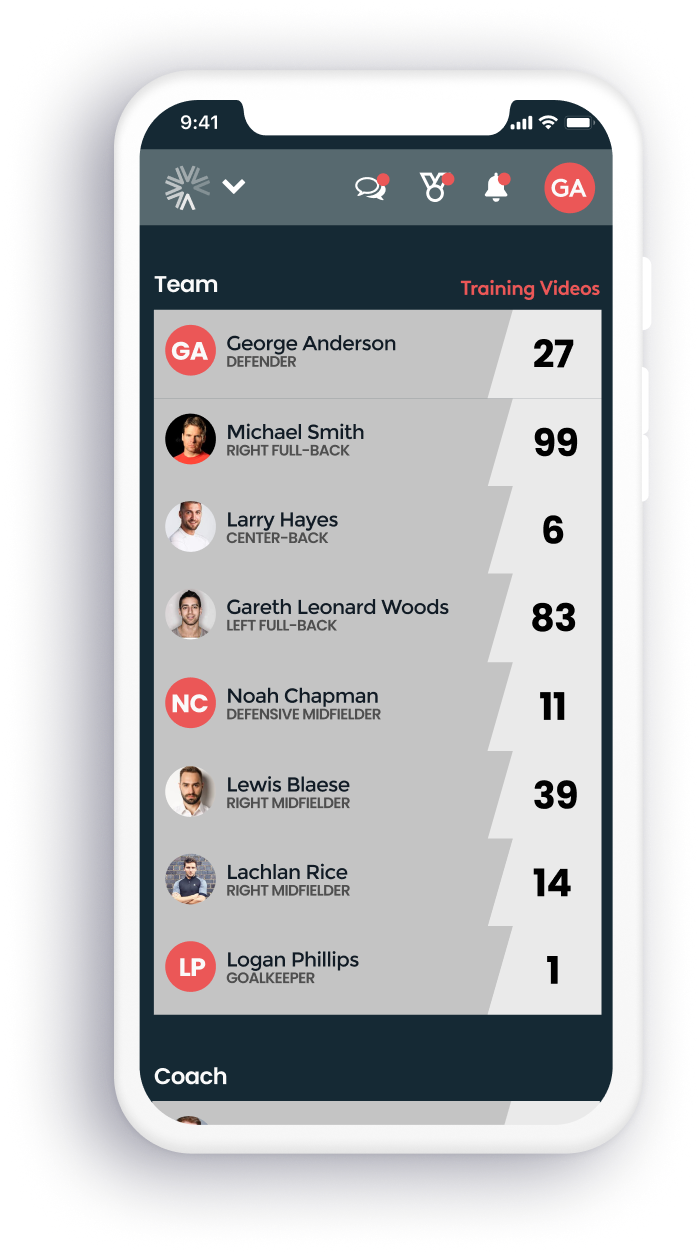
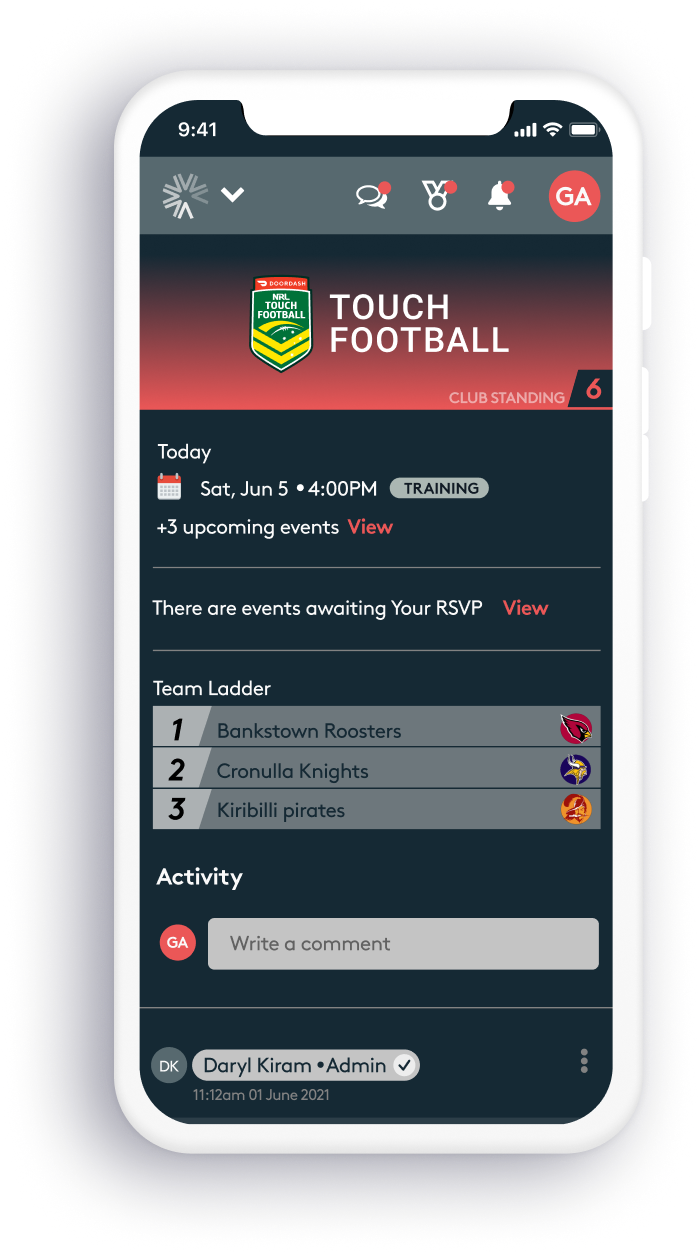
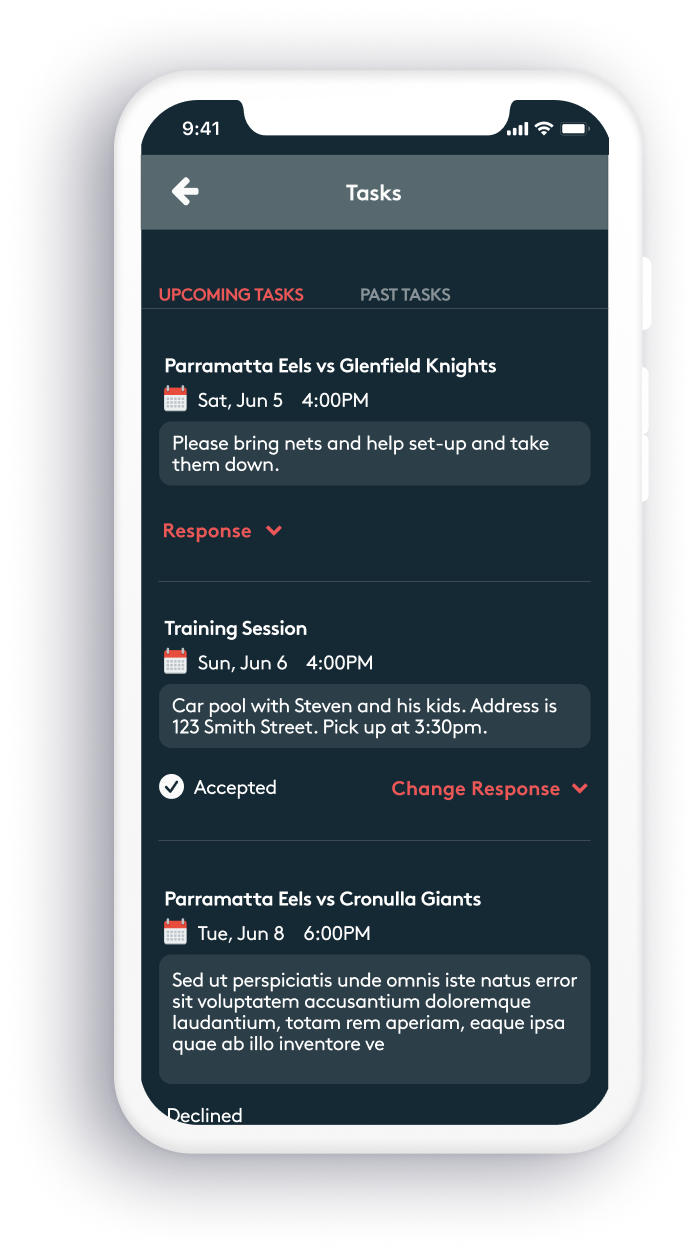
Assemble Sports builds frictionless products that keep sporting organisations, their fans and players connected — from elite competitions all the way down to grassroots leagues. They identified a clear gap: clubs were managing communications, schedules, stats and media across a tangle of Facebook groups, WhatsApp threads and spreadsheets.
I was brought in to define the user personas, map the flows and journeys for each, then design high-fidelity interactive prototypes ready for both developer handoff and pitching directly to sporting clubs.
Understanding the
full playing field.
Discovery workshops brought together key stakeholders to surface business goals, user needs and existing pain points. Card sorting exercises in Mural helped us identify what features were essential versus nice-to-have, and critically, who needed access to what.
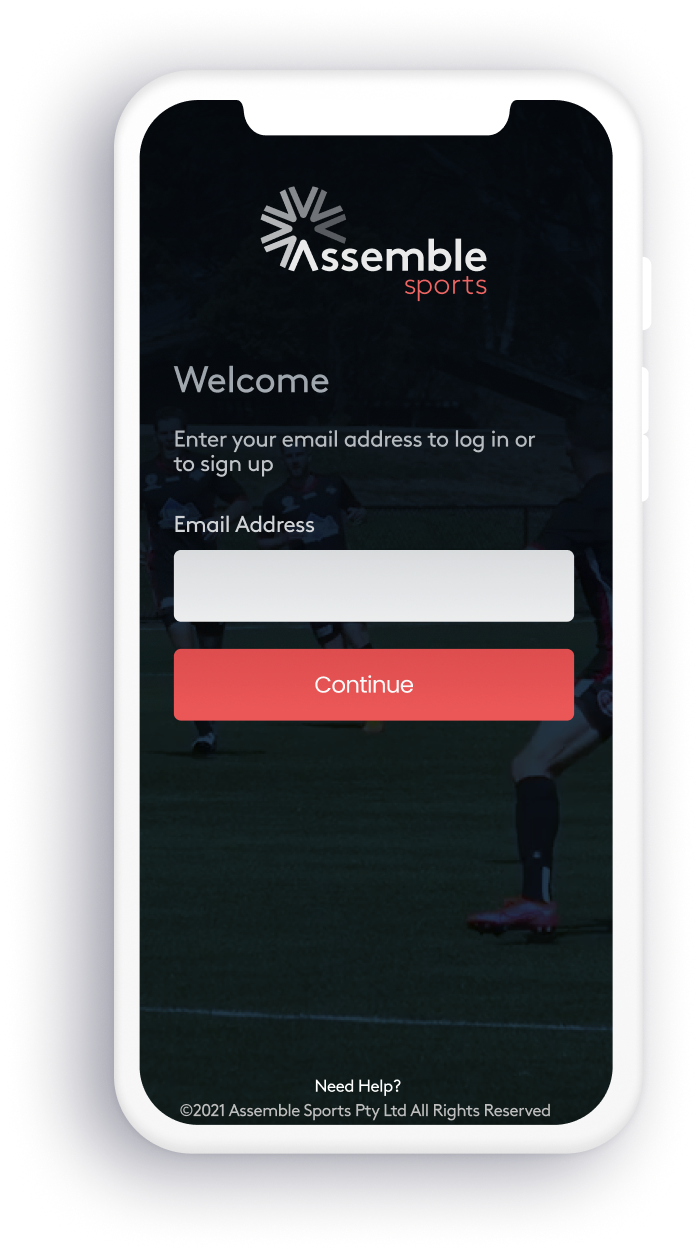
A key constraint shaped the entire design approach: the app needed to be handed off directly to engineers with zero room for interpretation. Every empty state, error message and confirmation modal had to be accounted for. The login and registration flow also had to distinguish user types upfront, since permissions and interface varied significantly by persona, a fan shouldn't see practice schedules or private team chat rooms.
MoSCoW Prioritisation

Requirements mapped to Must Have, Should Have, Could Have and Won't Have categories, giving the team a clear, defensible product roadmap before a single screen was designed.
Three audiences.
One product.
Three distinct personas drove every design decision from navigation hierarchy to permission logic. Keeping them front and centre throughout prevented the product from becoming a generic catch-all and ensured each user type got exactly what they needed.
The Player
Active team member
Wants access to schedules, team chat & stats
Goals
- Know when and where training sessions are
- Stay connected with teammates
- Track personal and team performance
Frustrations
- Missing schedule updates buried in group chats
- Having to check multiple apps for different info
- No single place for stats and match history
Tech Skills
IntermediateThe Parent
Supporting from the sideline
Needs events, updates & media — not team internals
Goals
- Know when and where their child needs to be
- Stay across club news and announcements
- Share and view photos and match highlights
Frustrations
- Last-minute schedule changes with no clear notification
- Getting irrelevant messages from team-only chats
- No organised place to find or share match media
Tech Skills
NoviceThe Administrator
Club or team organiser
Manages all — full access across the platform
Goals
- Communicate efficiently with coaches, players and parents
- Manage team schedules, rosters and club data
- Reduce the admin overhead of running a club
Frustrations
- Manually posting updates across multiple platforms
- No visibility into who has seen or confirmed key messages
- Fragmented tools with no single source of truth
Tech Skills
SavvyKnow the field
before you play.
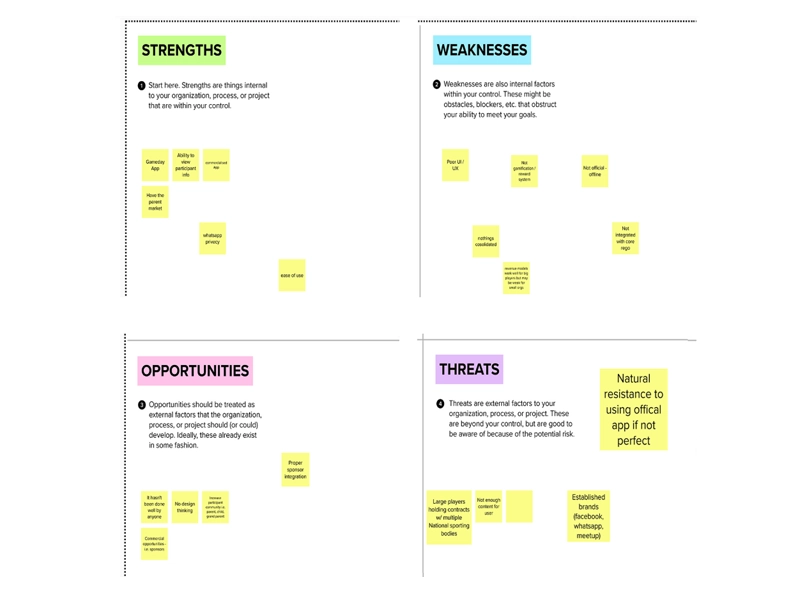
A focused review of the competitive landscape... strengths, weaknesses and positioning, helped define where Assemble Sports could differentiate and where feature parity was non-negotiable.
Budget and time constraints meant a full audit wasn't possible, but mapping the major players surfaced the key threats and informed how the product could scale or pivot if the market shifted. Knowing your competition early means fewer surprises later.
Built from
scratch.
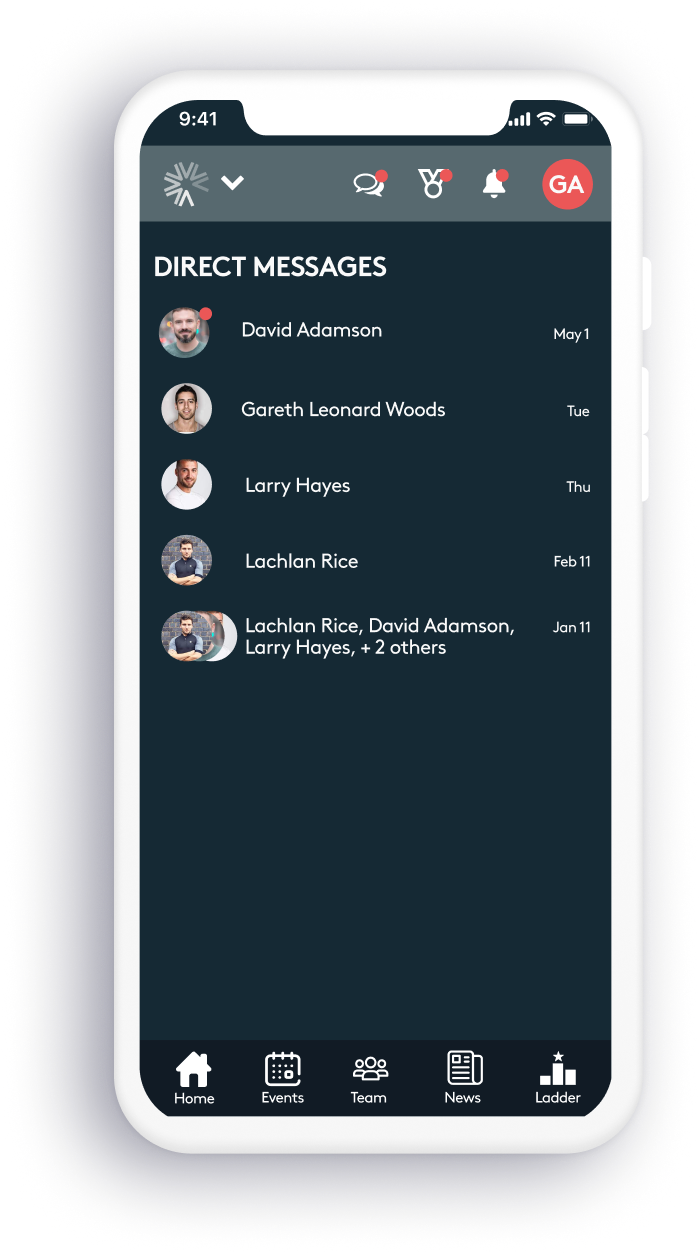
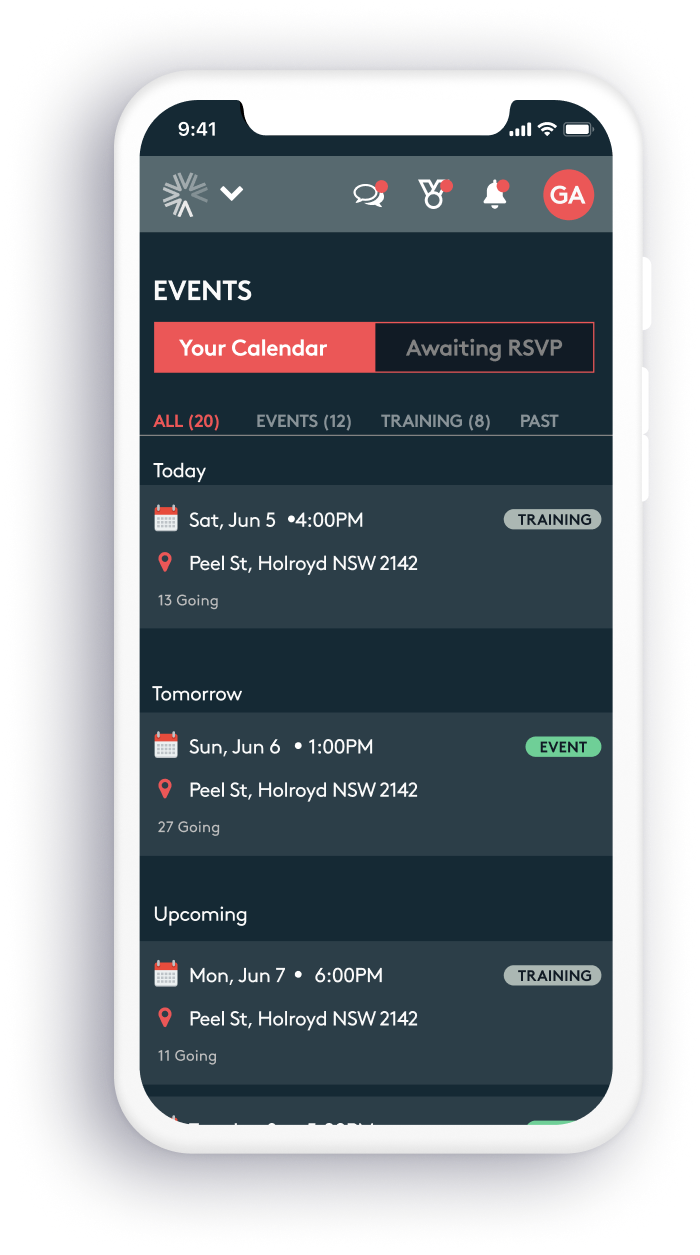
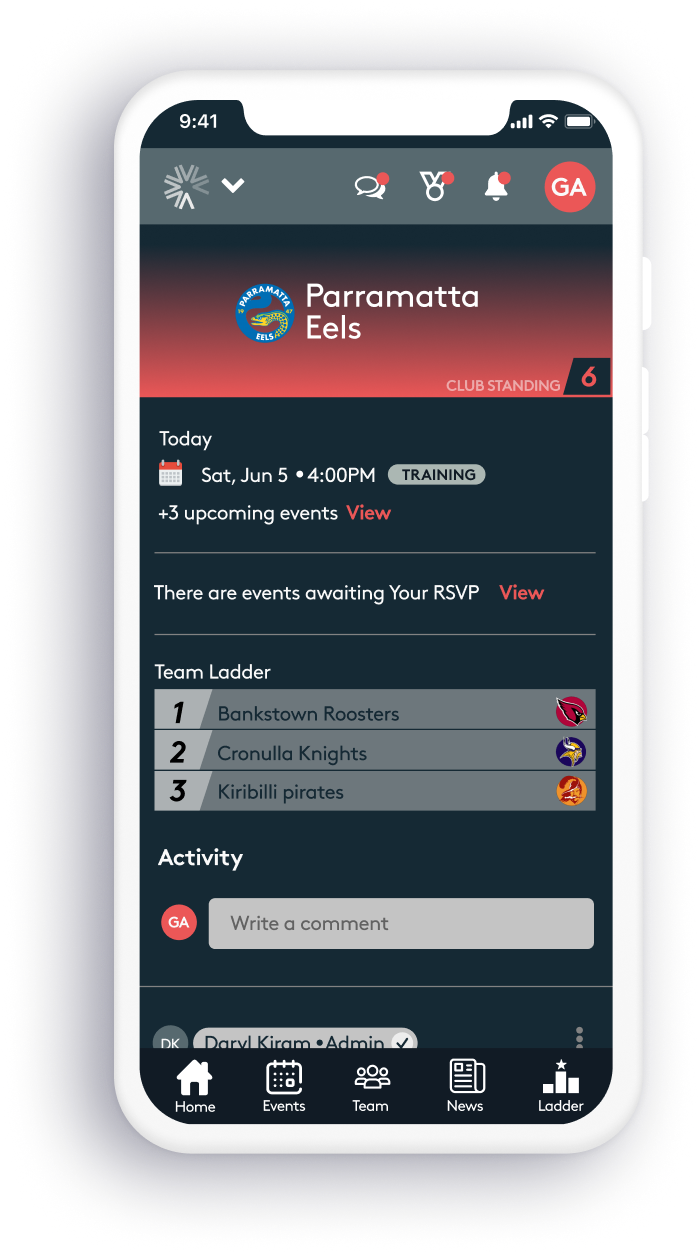
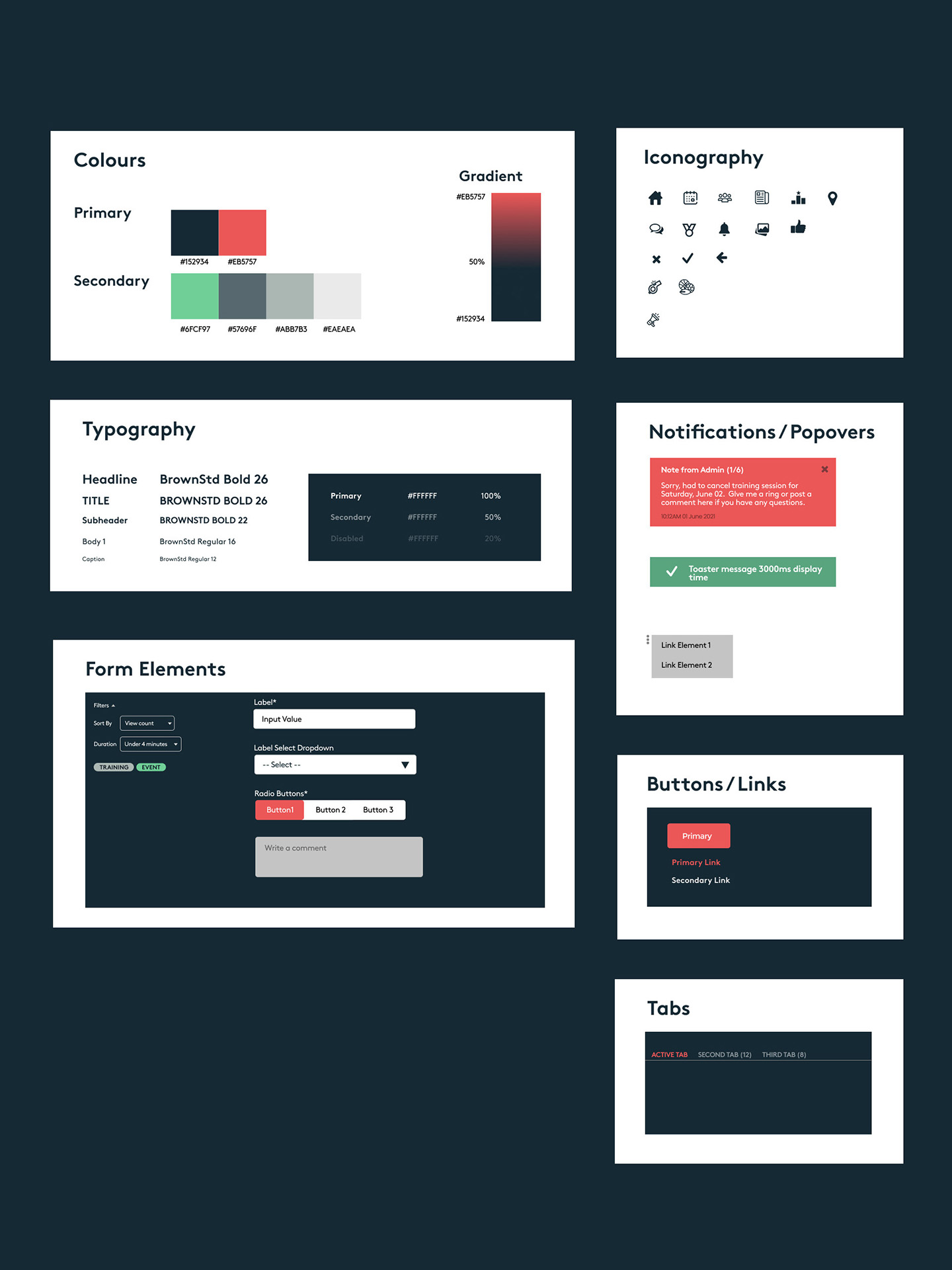
Branding, typography and component styles were designed from the ground up. A dark-mode-first skin was chosen to better showcase the interface against a rich background, with rounded typography selected to echo the softness of the Assemble Sports logo mark.
Iconography and component patterns were designed to complement the overall aesthetic, cohesive enough to feel like a mature product, while remaining flexible enough to accommodate new feature sets as the platform scaled.
50+ screens.
Zero ambiguity.
Every scree from onboarding through to edge-case error states, was designed in Figma and wired into fully interactive prototypes. The goal was a handoff so thorough that engineers could build without guessing, and stakeholders could pitch to clubs with something that felt real.
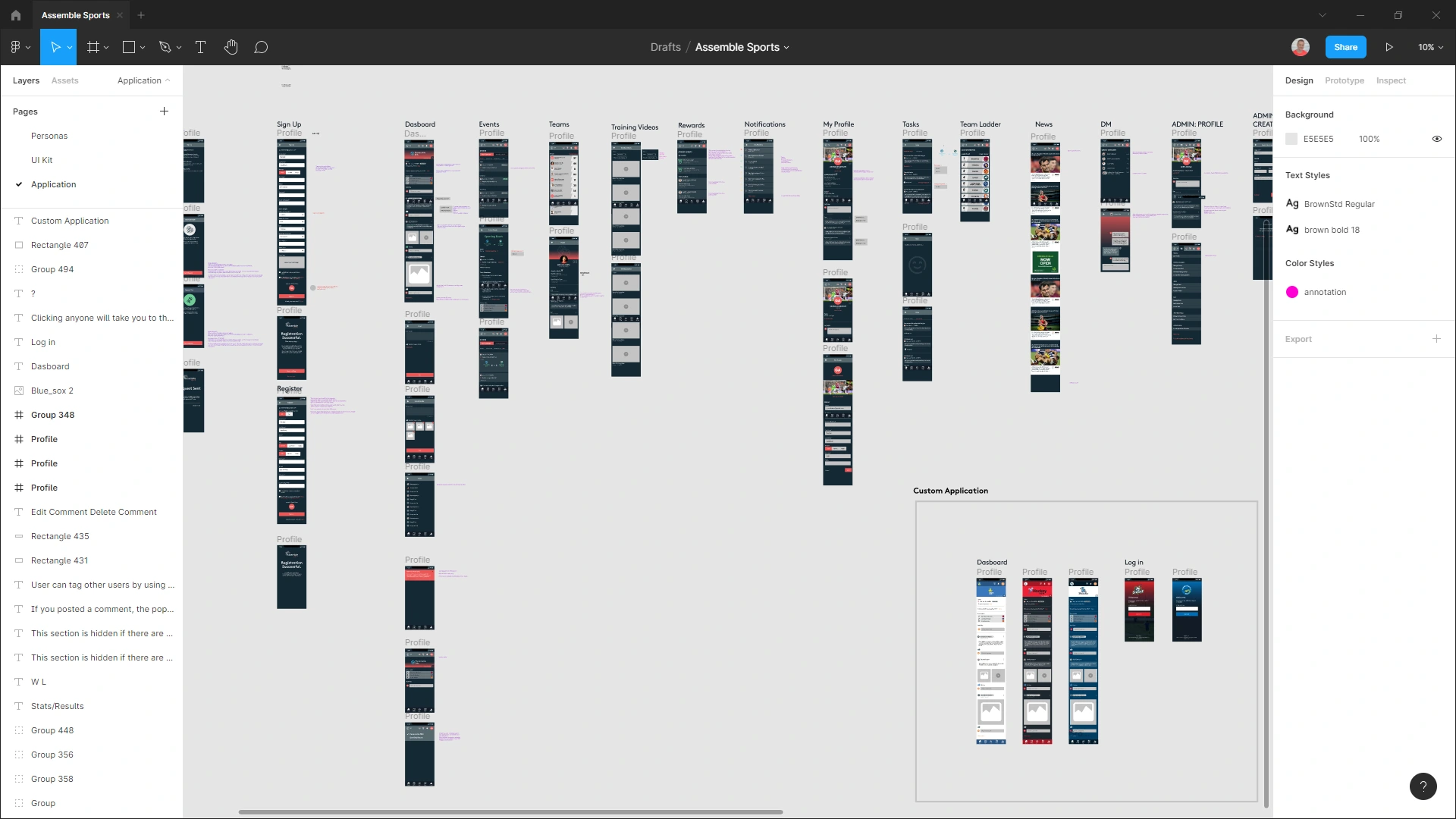
All 50+ screens laid out in Figma, covering the full product across three personas, including empty states, error handling and confirmation modals throughout.
Game on.
A fully interactive prototype that replaced a fragmented patchwork of social apps with one cohesive mobile experience, purpose-built for sporting clubs, ready to pitch and ready to build.