An app with
serious game.
EPC Sports needed a mobile app purpose-built for junior tennis players aged 5–15 — somewhere they could check their stats, connect with other players, post photos and videos, register for events and track their progress. It also needed to work for parents, who sometimes register and manage accounts on behalf of younger children.
There was a lot to juggle: wildly different needs across three distinct age groups, a parent permission layer, and the very real challenge of making an app that a five-year-old and a fifteen-year-old both want to open. I worked closely with the EPC Sports team throughout to deliver something that hit every business goal and every user need — on time, and within budget.
Serving up the
right questions first.
A structured discovery workshop with key stakeholders established the business model, user requirements and a clearly scoped MVP before a single screen was designed. MoSCoW prioritisation and a SWOT analysis kept the conversation focused and gave the team a shared, defensible foundation to build from.
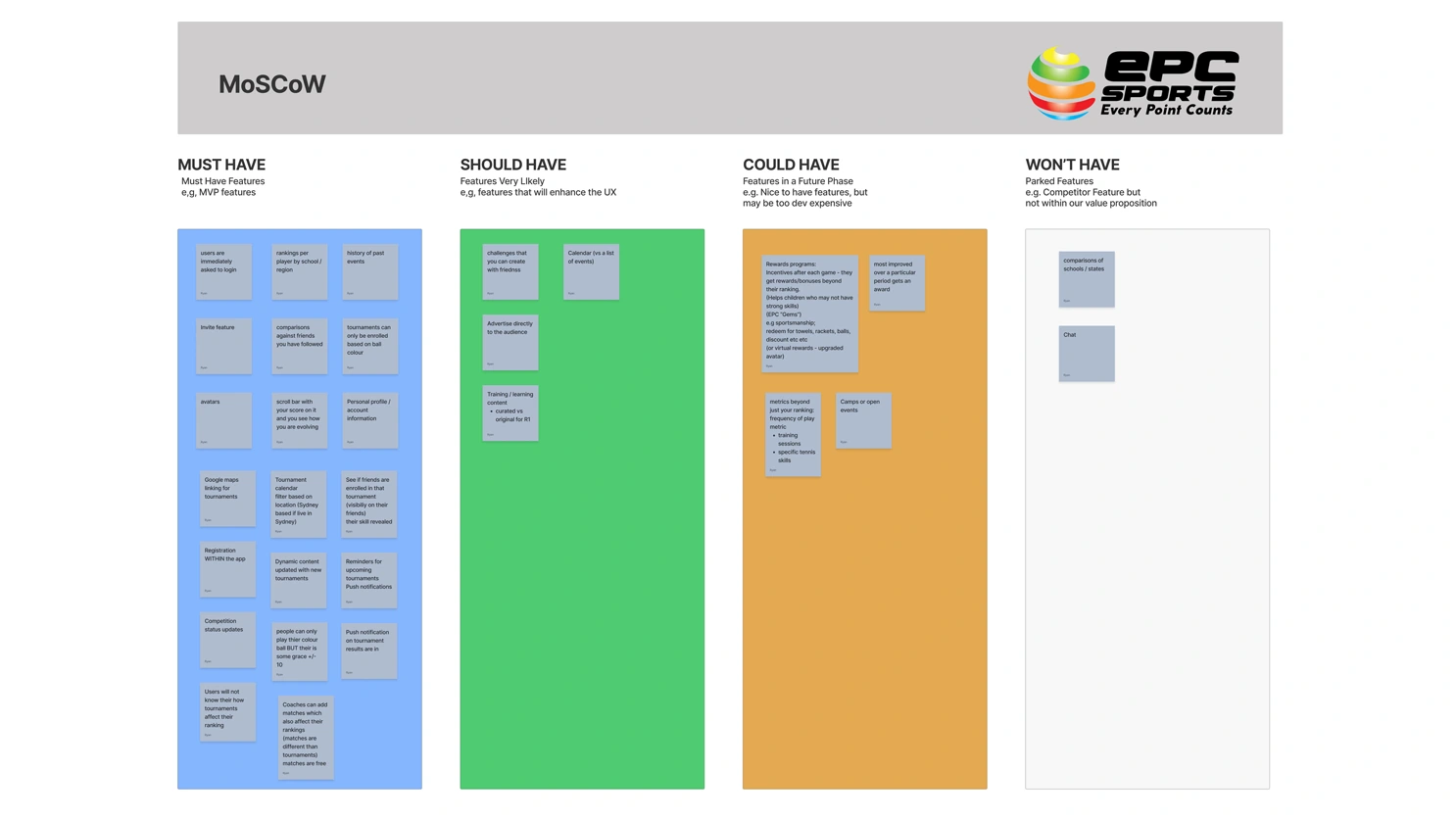
Feature requirements mapped against Must Have, Should Have, Could Have and Won't Have to scope the MVP and align stakeholders before design began.
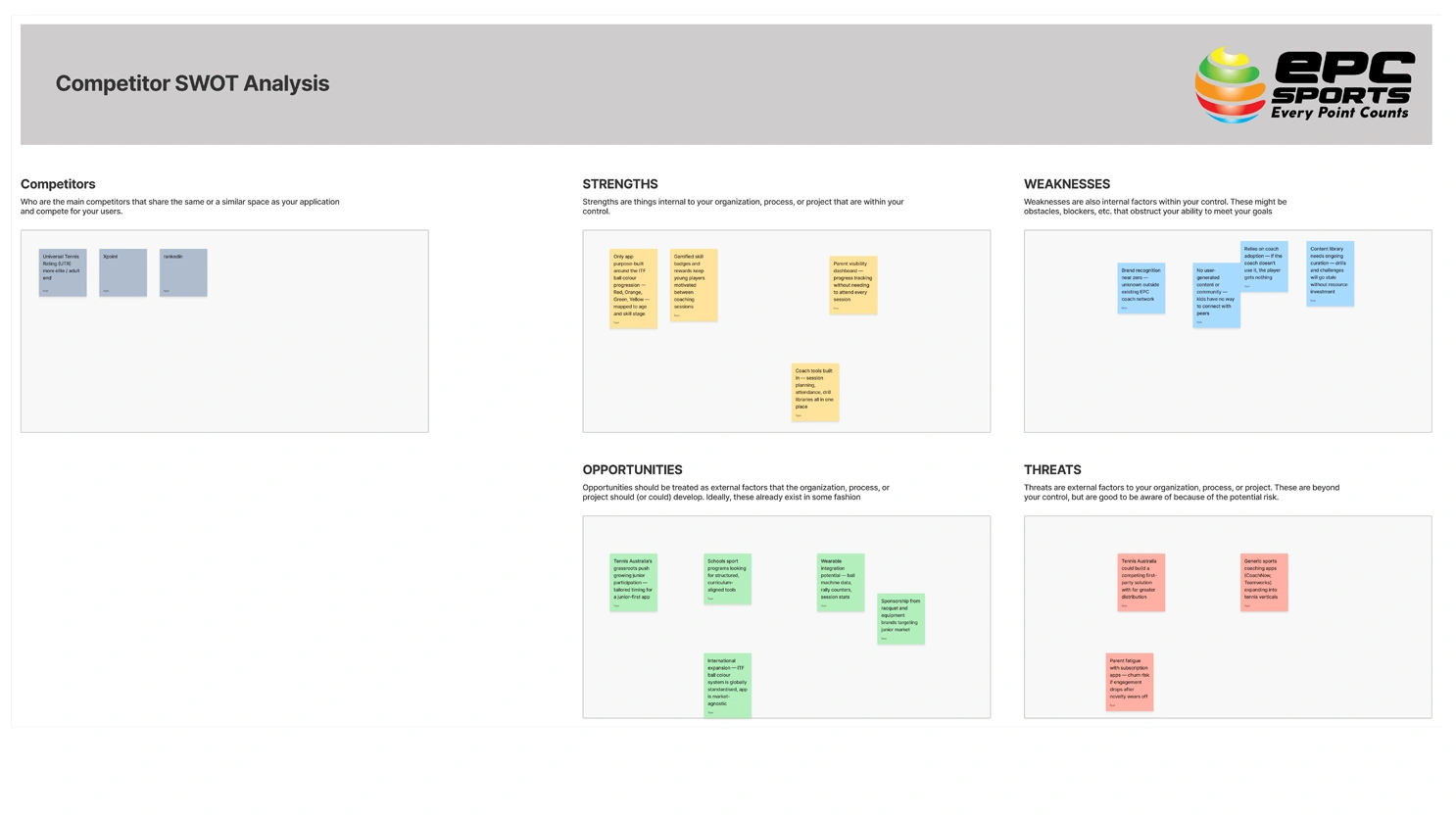
A competitive SWOT analysis identified where EPC Sports could differentiate, and what threats to plan for as the product scaled.
Designing for kids
is deceptively hard.
The primary users span a decade of childhood — from a Red Ball 6-year-old who can barely read, to a competitive 14-year-old obsessed with rankings. Four personas were defined to capture those differences clearly, with a parent persona layered in to address the account oversight and registration needs of younger children.
Primary Personas — The Players
Alex
Ages 5–8 · Red Ball
Parents manage account; may use app with supervision
Motivations
- See how their friends are going
- Check awards and achievements
- Instant results after a tournament
- Find ways to improve
Frustrations
- Can't check rankings independently
- Can't see what friends are up to
- Gets matched up unevenly at events
- Wants to play more but has to travel far
Context
Mum or dad brings Alex to tournaments. Parents may use the app on their behalf and keep a close eye on activity.
Tech Skills
Parent-assistedZara
Ages 9–12 · Orange/Red
Growing independence; uses app solo with some oversight
Motivations
- Track improvement over time
- Connect and compete with peers
- Discover upcoming tournaments to enter
- Earn points and unlock rewards
Frustrations
- Doesn't always know where she sits in rankings
- Misses events because no one told her in time
- Wants to see friends' progress but can't
Context
Uses the app independently but parents still involved in registrations and reviewing activity.
Tech Skills
IntermediateJordan
Ages 12–15 · Green/Yellow
Fully independent; status and competition driven
Motivations
- More likely to enter tournaments if friends are too
- Status and competitive ranking matter a lot
- Wants to post highlights and share wins
- Driven by leaderboard visibility
Frustrations
- Can't see where they rank against peers easily
- No single place to find friends' schedules
- Existing apps feel too young or too generic
Context
Fully independent user. Social proof and peer competition are the primary engagement drivers at this level.
Tech Skills
SavvySecondary Persona — The Parent
Mary
Parent · 35–50
Parent of a 5–8 year old player
Motivations
- See her child's ranking and improvement over time
- Manage registrations for upcoming events
- Stay informed without needing to ask the coach
Context
If parents can clearly track their child's progress, they're far more likely to stay engaged with the app — and keep the subscription active.
Tech Skills
Intermediate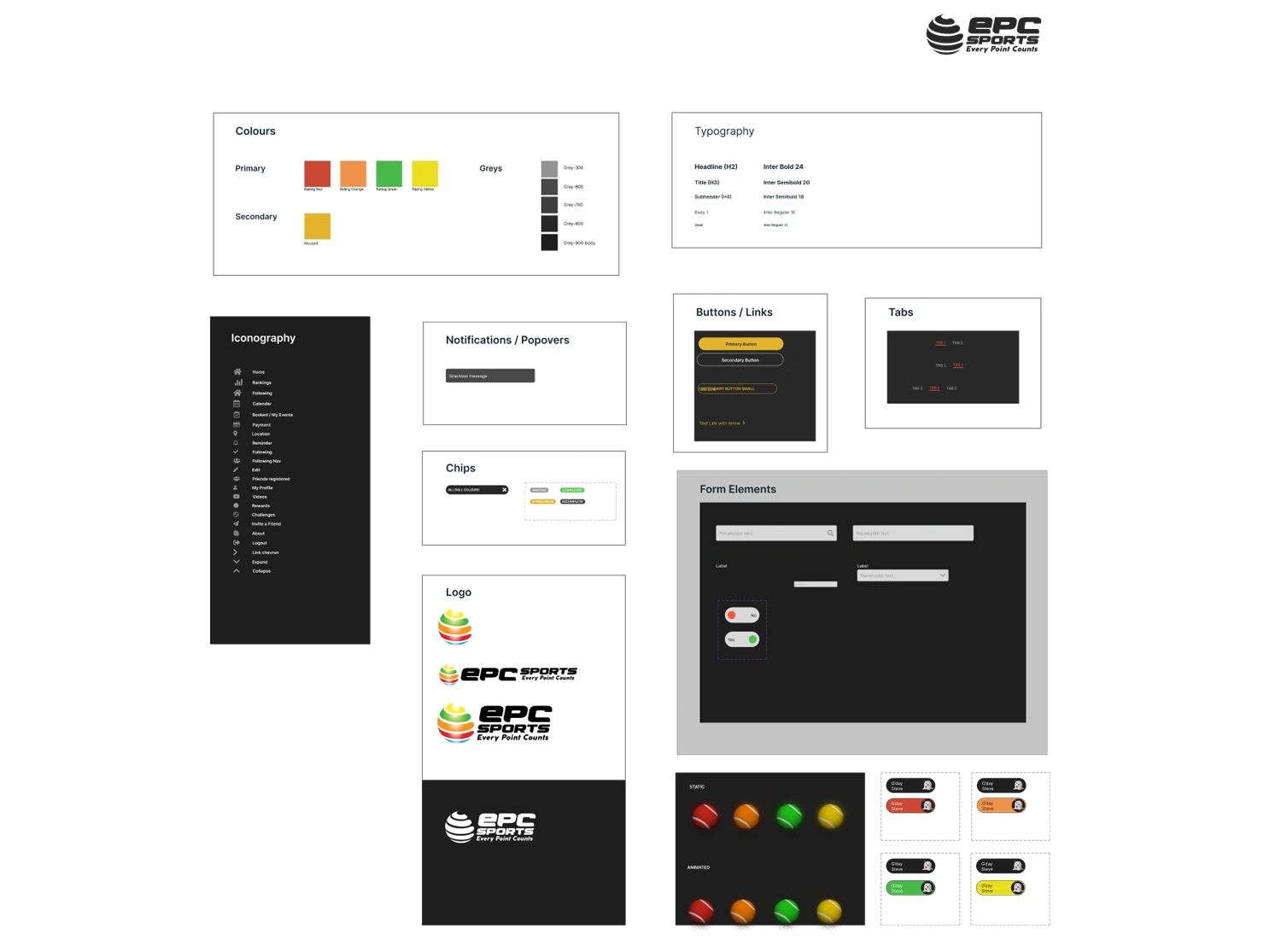
Visual language.
Tight and intentional.
Colours, typography, iconography, avatars and components were all defined from scratch. The approach was deliberately restrained — every element should earn its place. Reusing components across the app keeps the interface consistent, reduces cognitive load for younger users, and makes future development significantly faster.
Nothing visual is unnecessary. For a kids' app especially, clutter kills usability.
Meet the
Monsters.
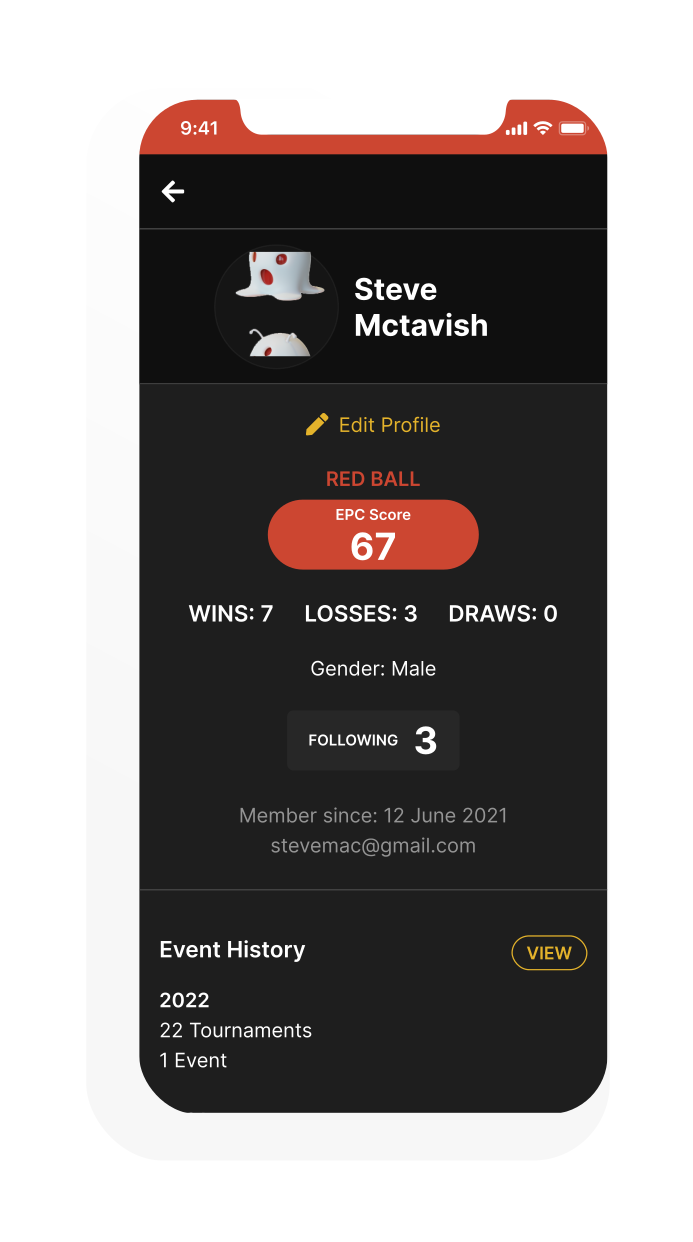
Rather than having young kids upload a photo of themselves, I proposed a set of Monster Avatars they could choose as their profile. No privacy concerns, no selfies, and — let's be honest — way more fun. The idea landed well with the client and became one of the most talked-about parts of the product.
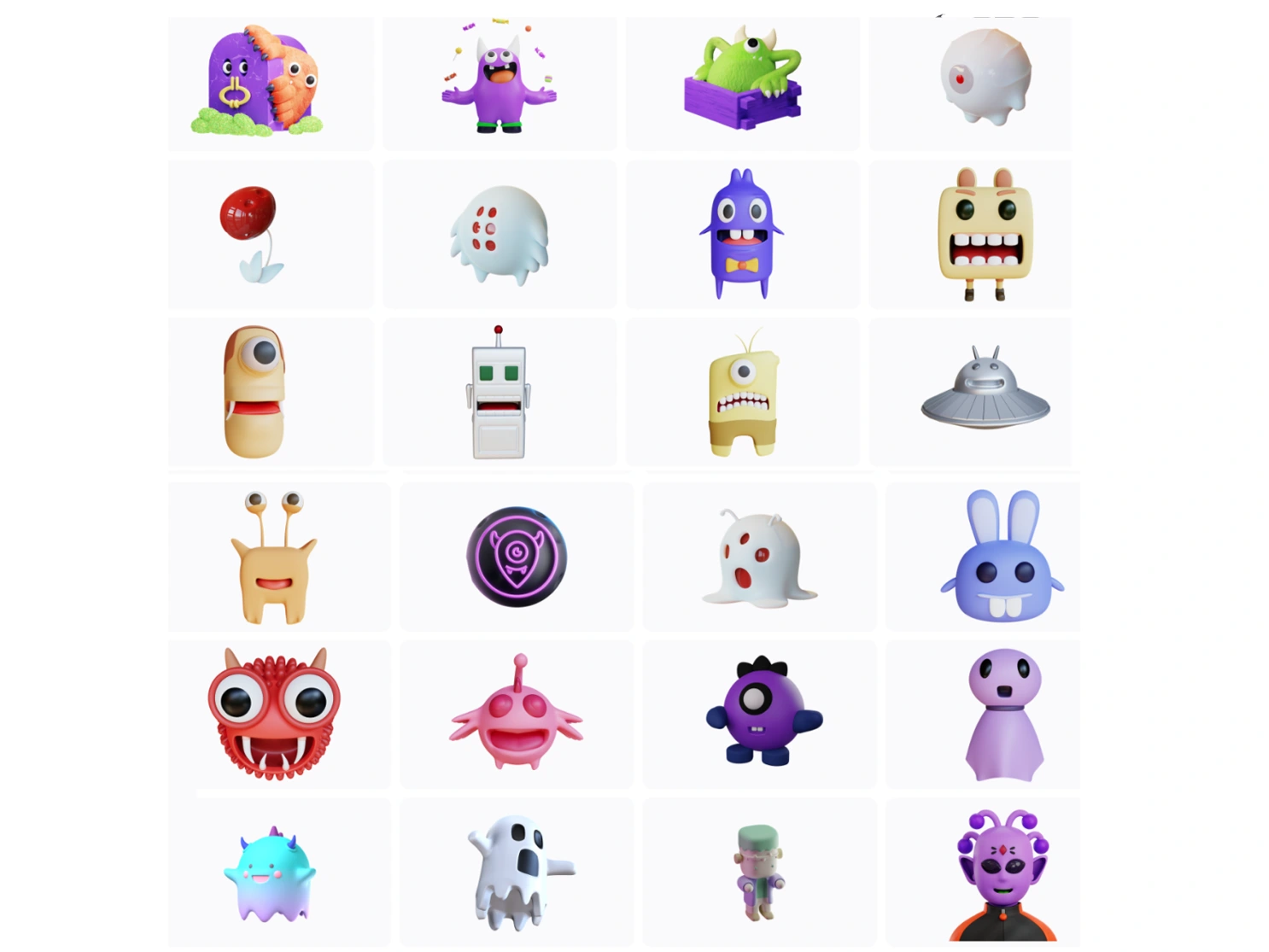
A sample set of the Monster Avatars designed for players to choose from. New monsters could also be unlocked through the reward system — giving kids another reason to keep playing.
Points that pay
for real things.
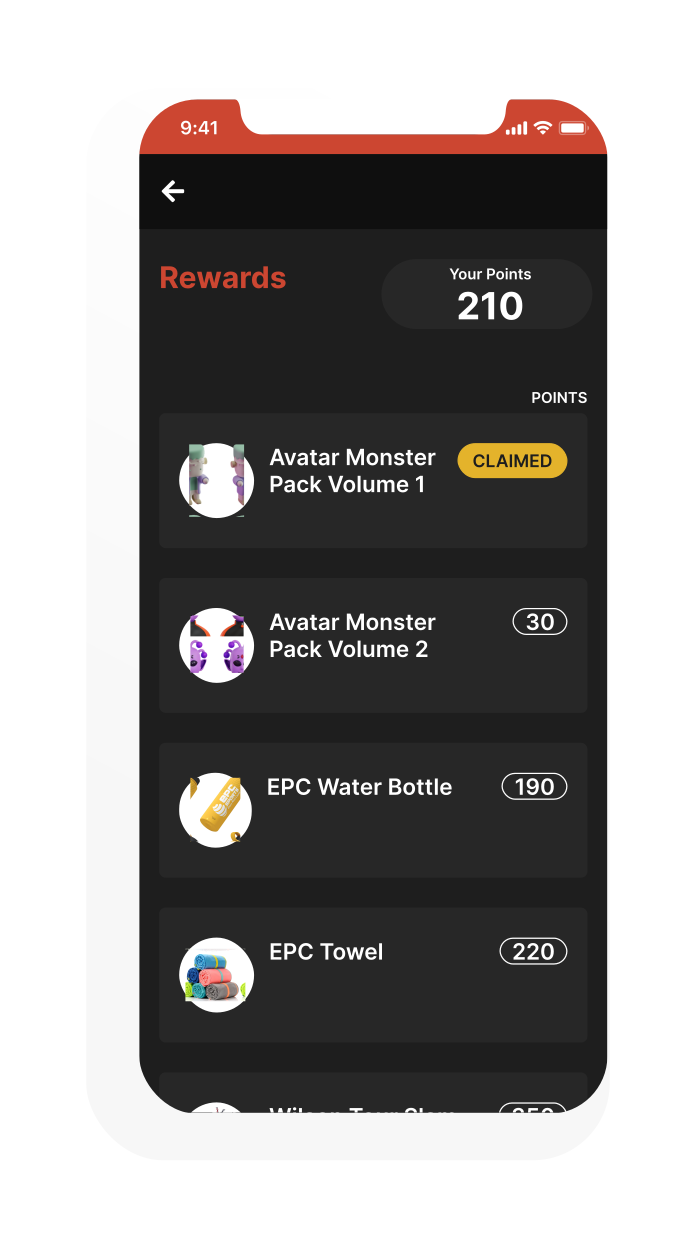
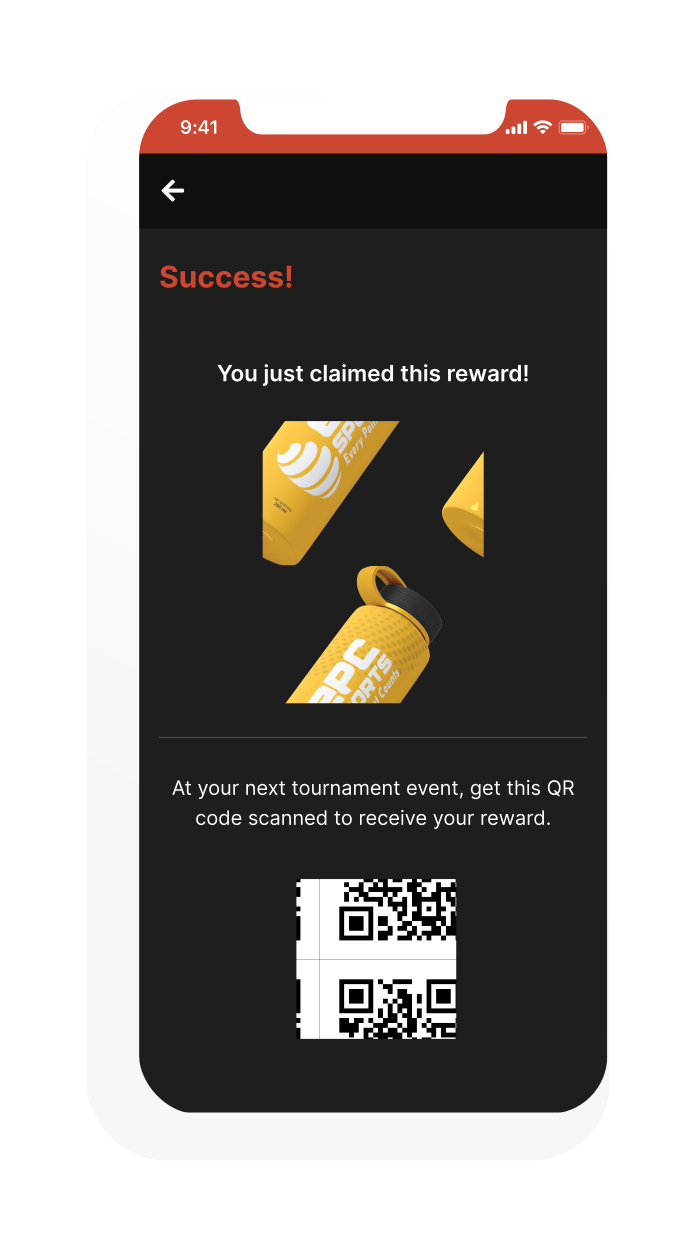
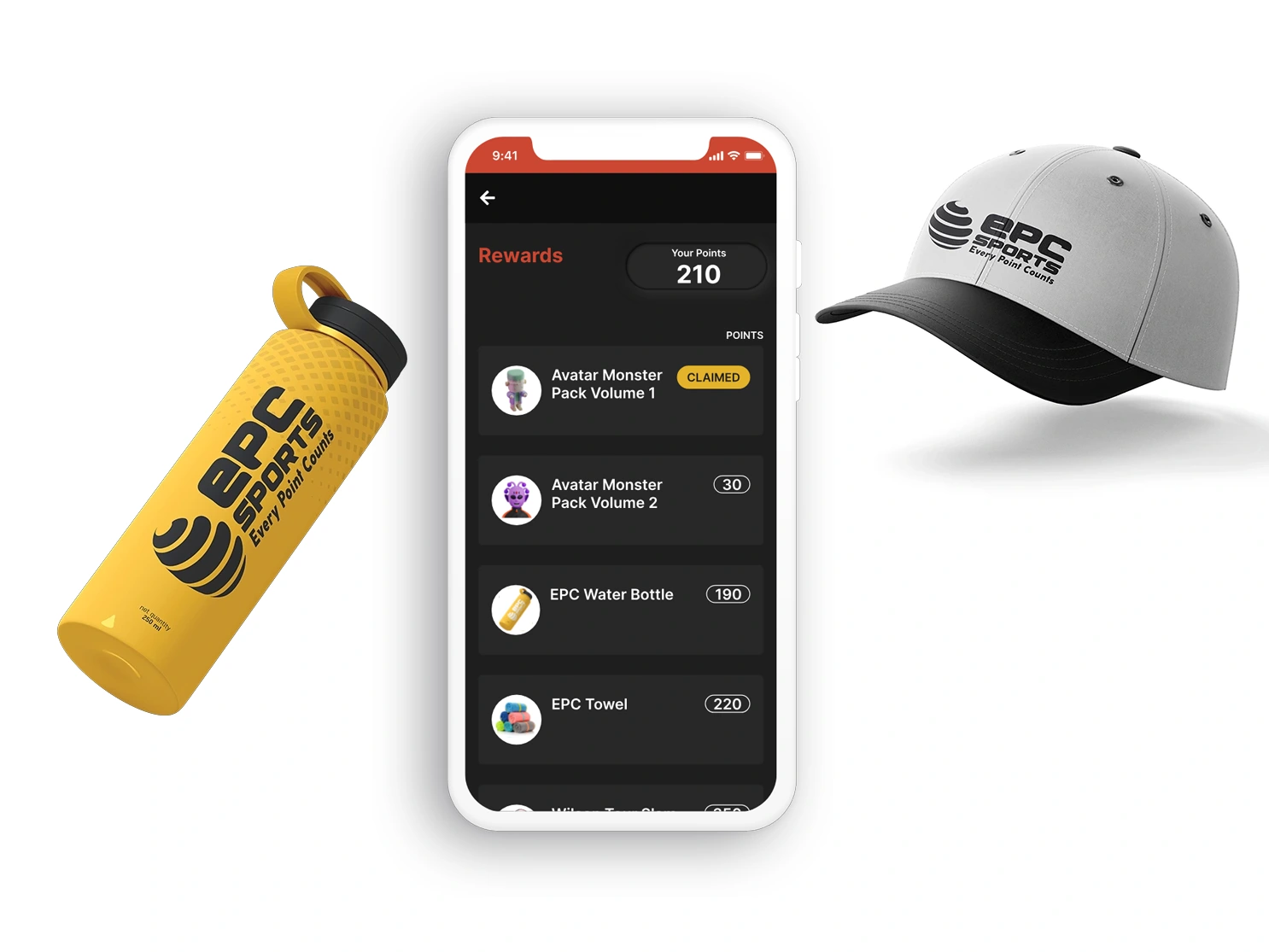
The client wanted kids to be able to redeem in-app points for real rewards. I proposed a system where points could unlock new monster avatars, or be exchanged for physical merchandise — designing a few potential products including a water bottle and ball cap as proof of concept.
The idea and product design were both well received — turning skill improvement into something kids could hold in their hands is a genuinely compelling hook for retention.
Your colour.
Your status.
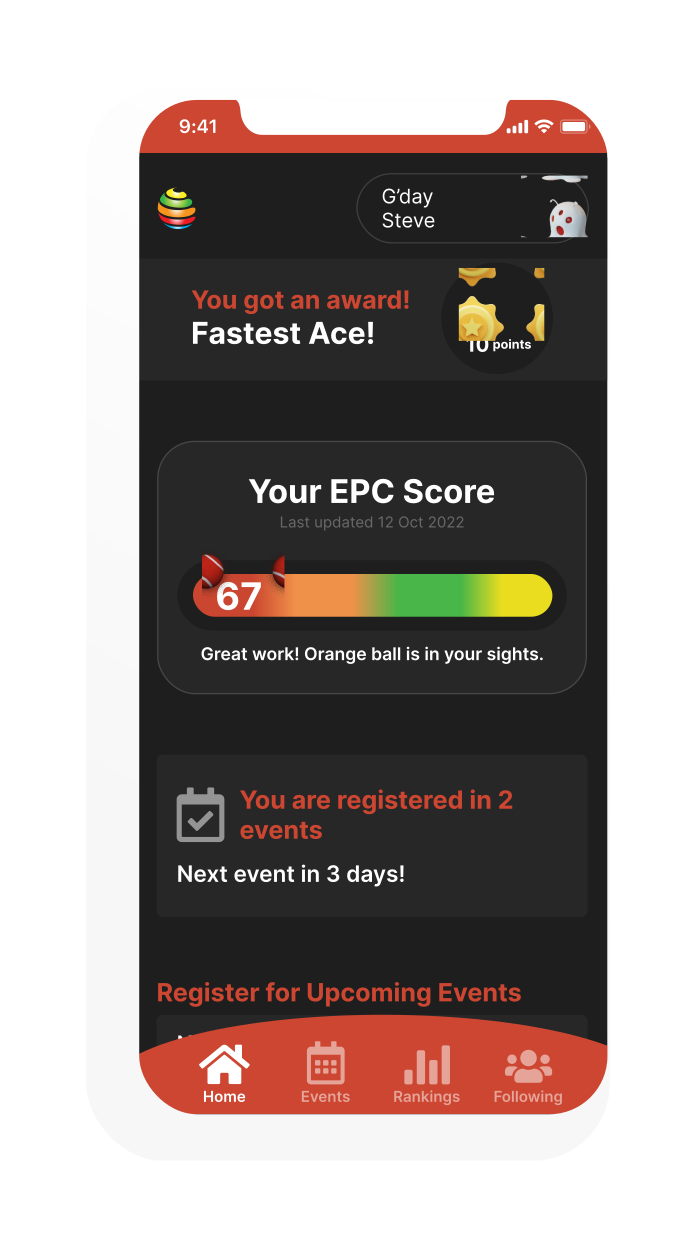
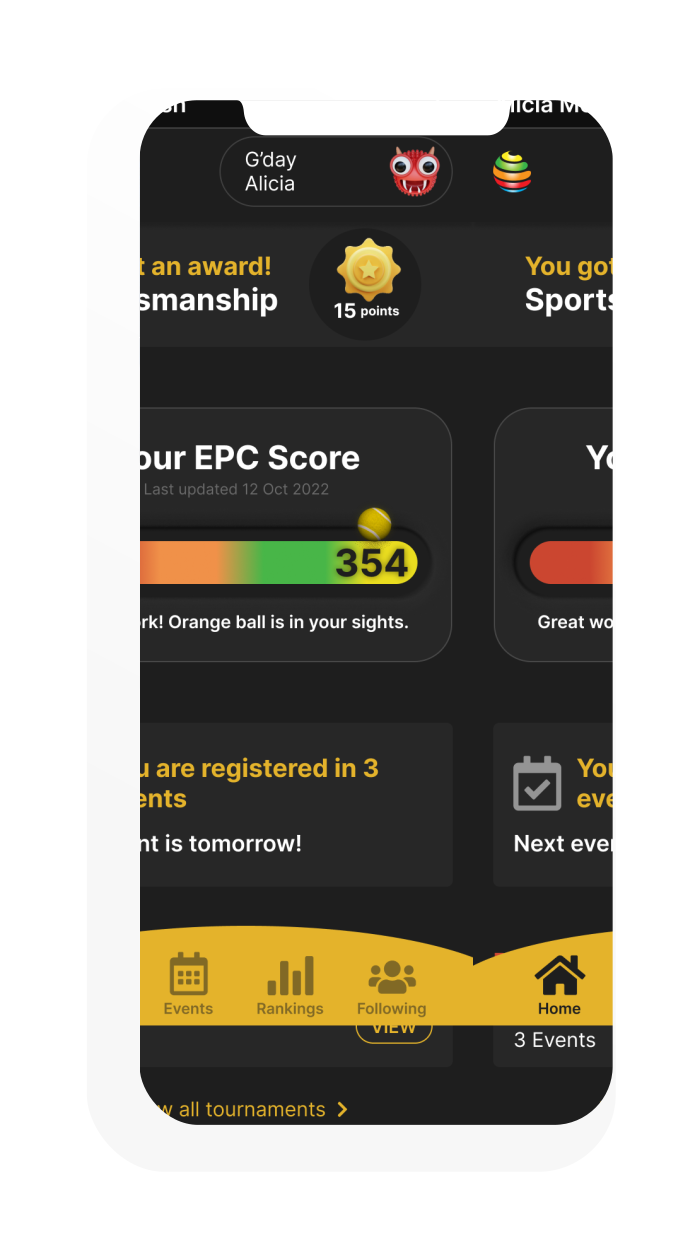
As players improve and accumulate points, the entire dashboard shifts colour — from Red Ball through Orange, Green and Yellow. It's a status symbol baked right into the UI. No need to check a profile page; the whole app tells you where you stand the moment you open it.
I created this transition between levels in After Effects — tennis balls bouncing along a progress slider that changes colour as the player moves up the ladder.
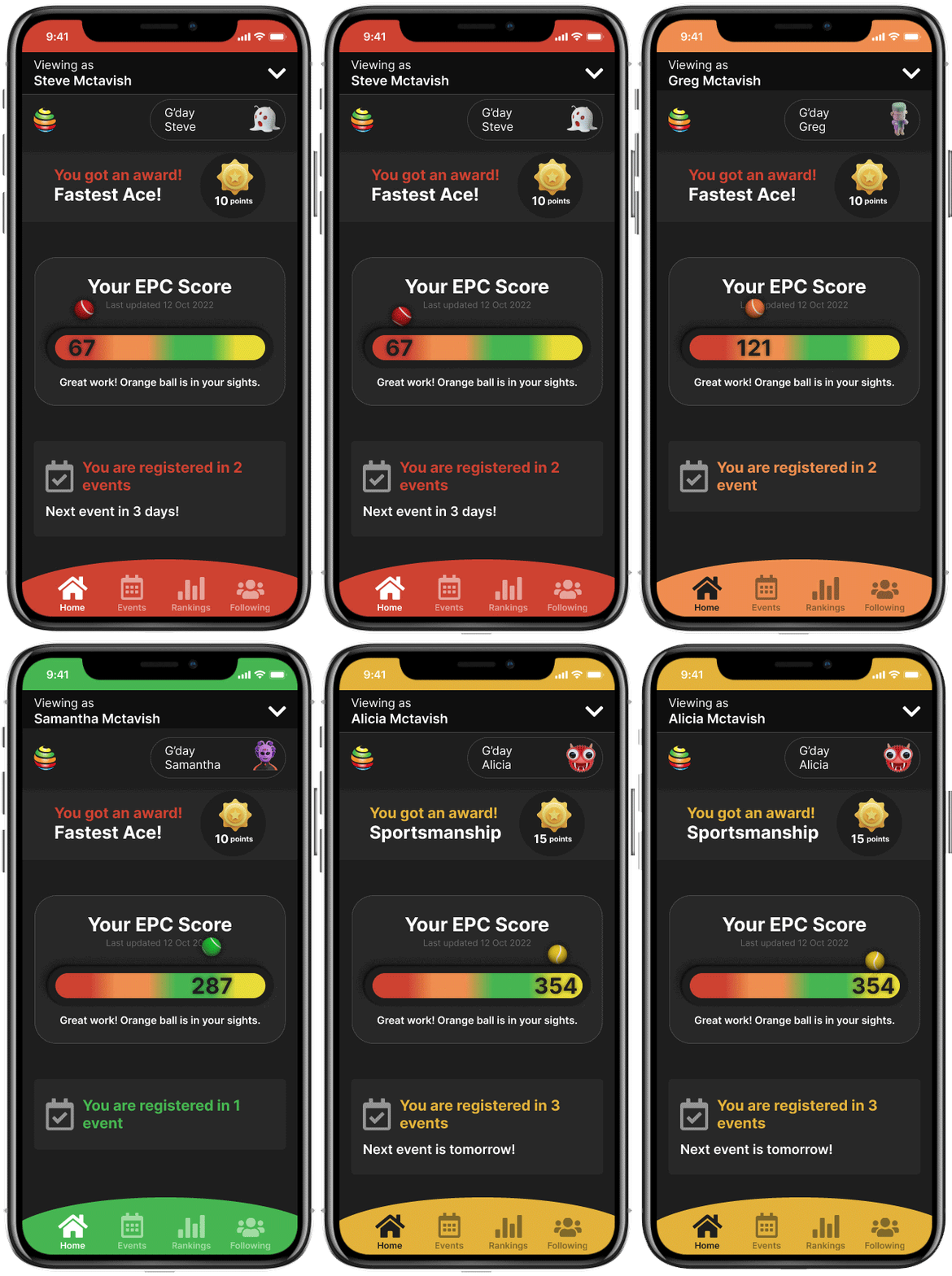
Dashboard colour shifts with skill level — Red → Orange → Green → Yellow. Animated in After Effects.
70+ screens.
Every scenario covered.
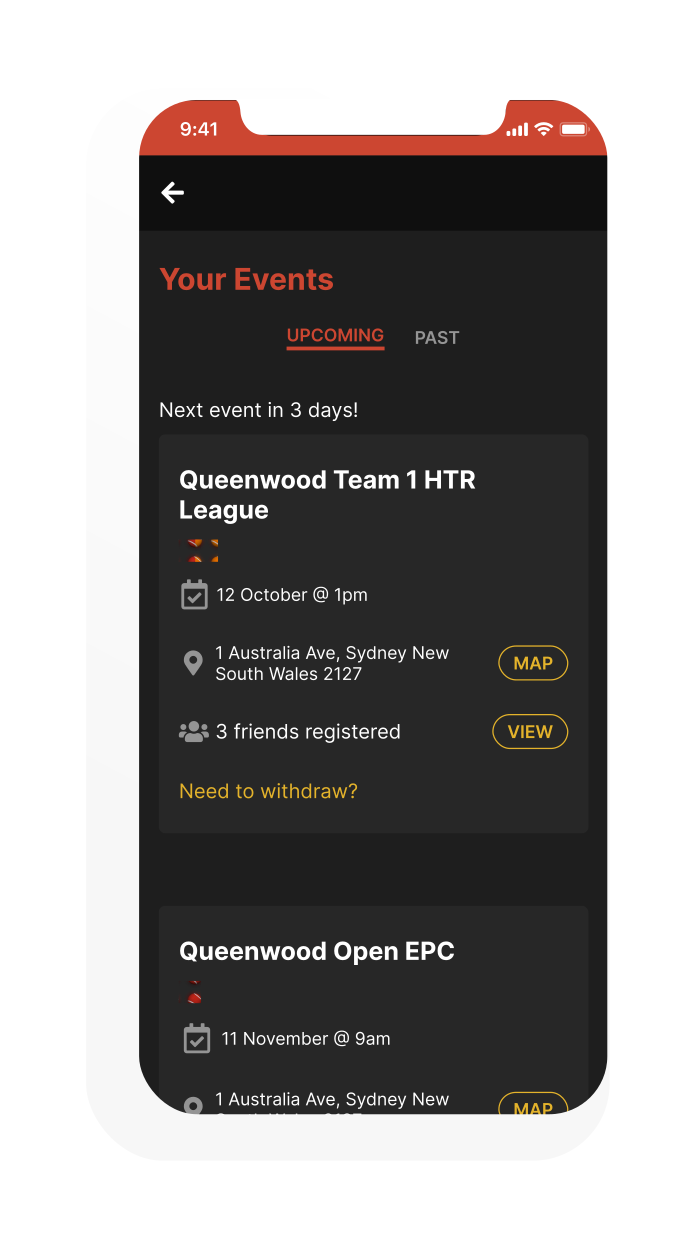
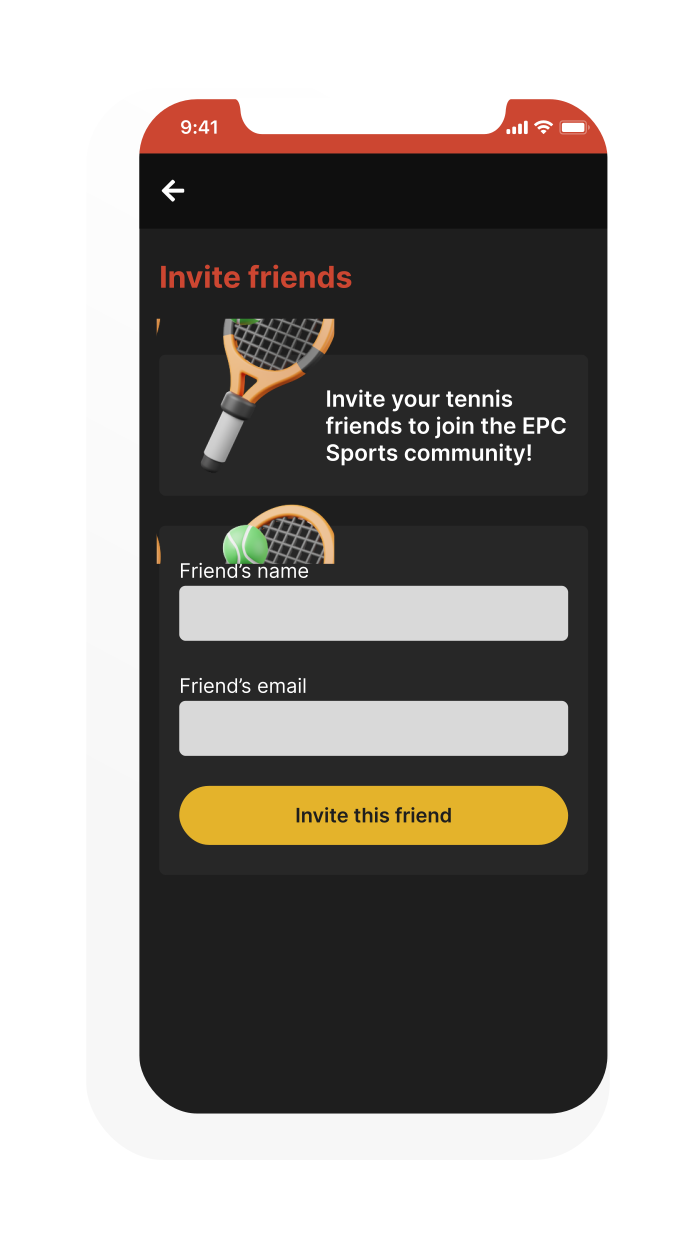
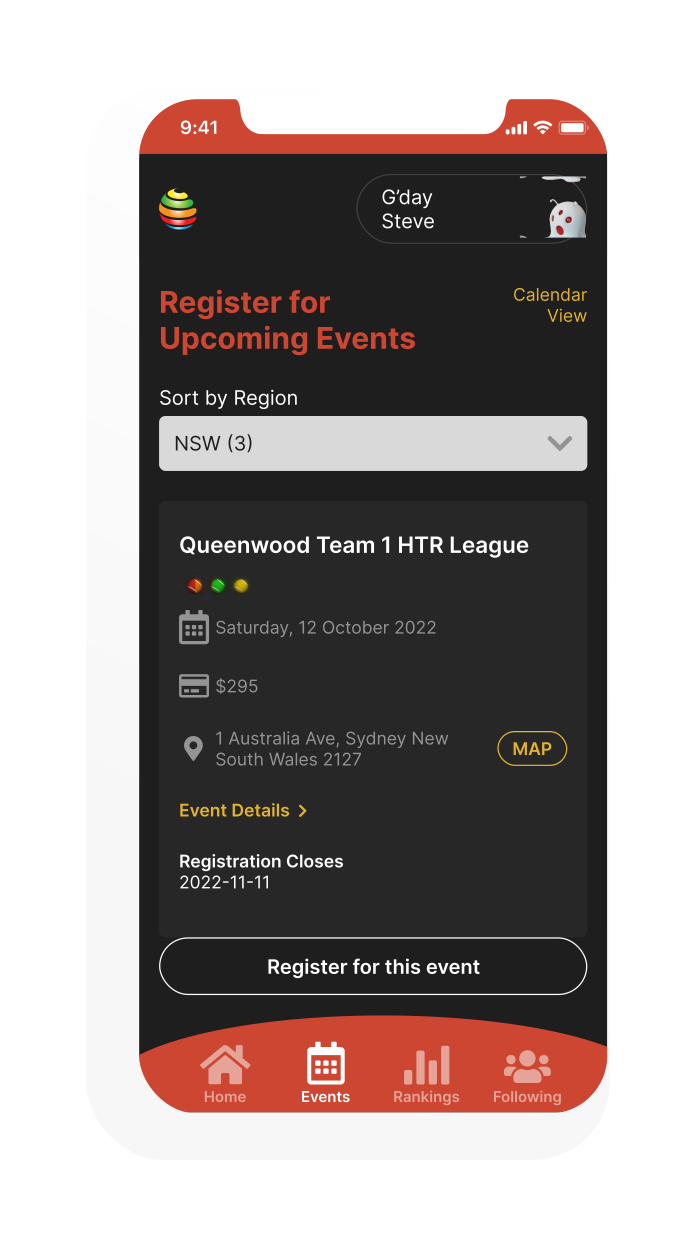
Every user flow, edge case, empty state and error message was designed and wired into interactive Figma prototypes — ready for developer handoff with nothing left to interpretation. Delivered on time and within budget.
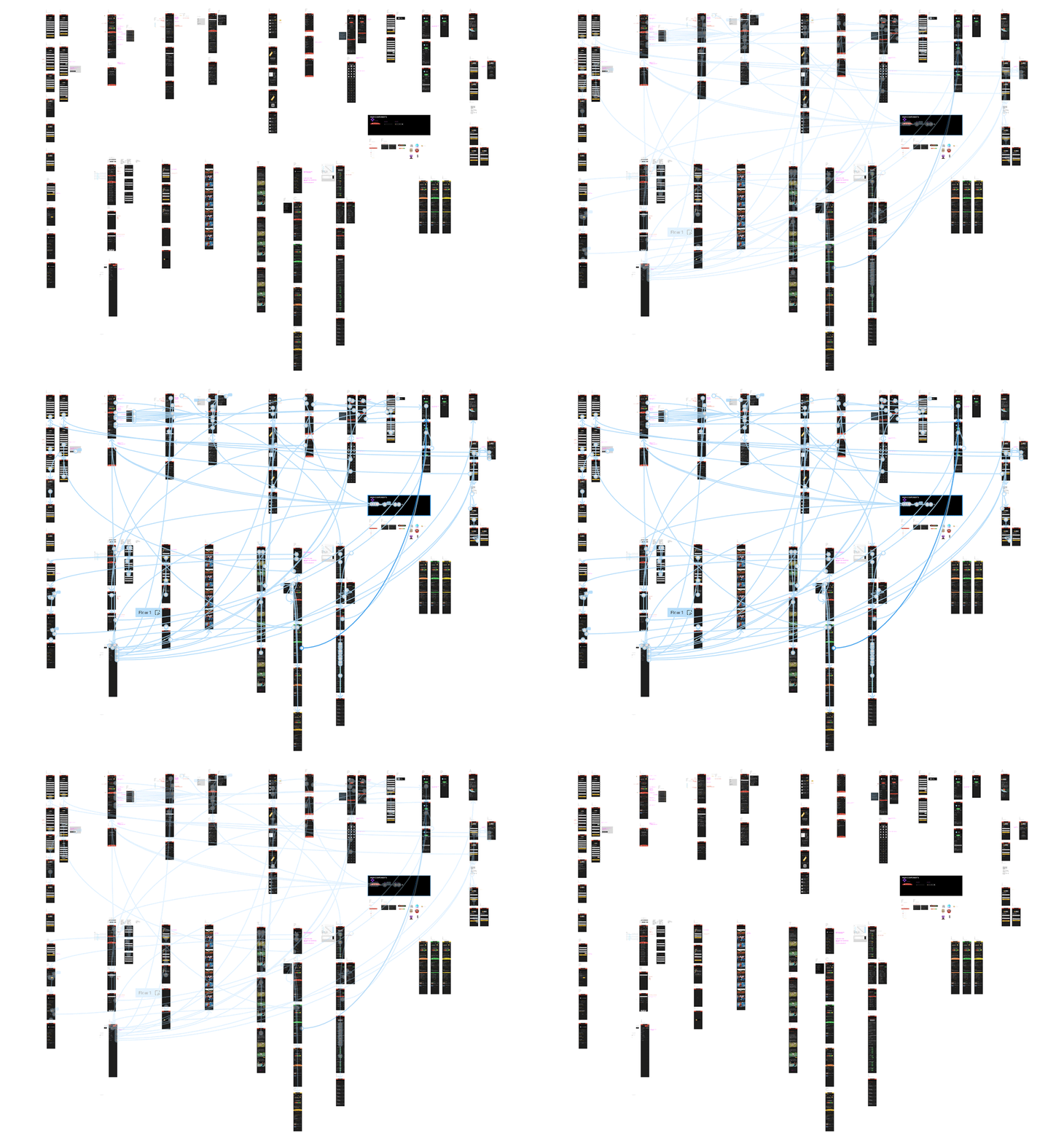
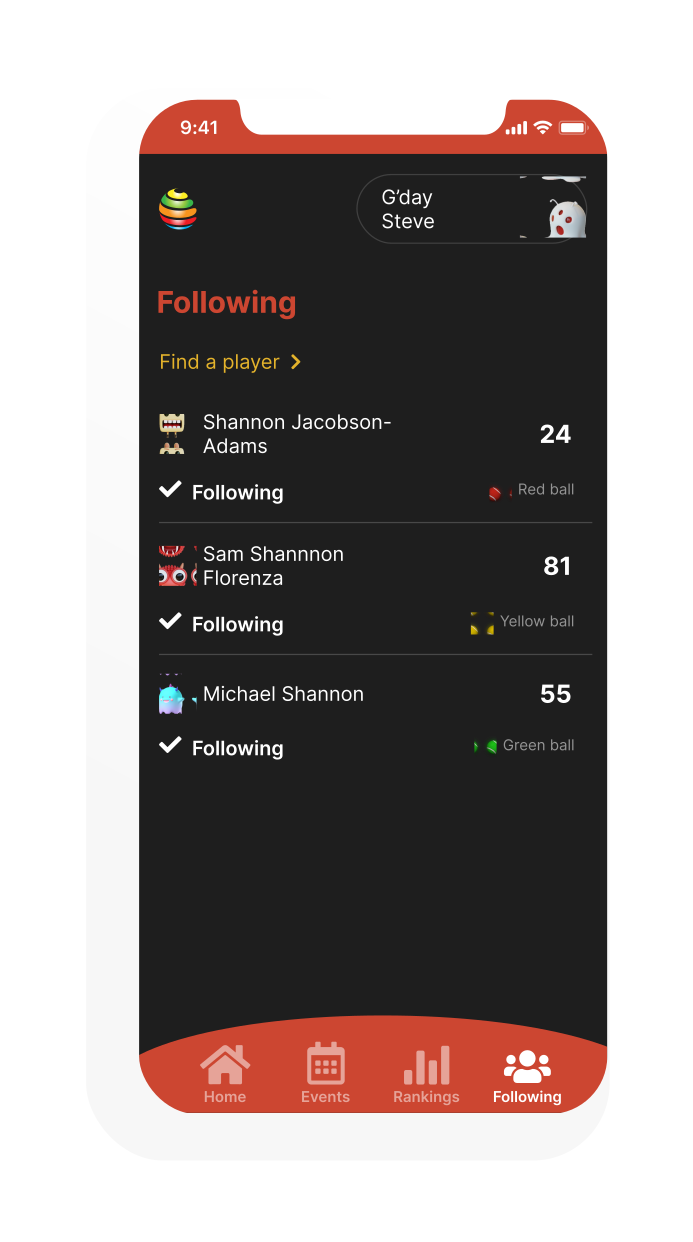
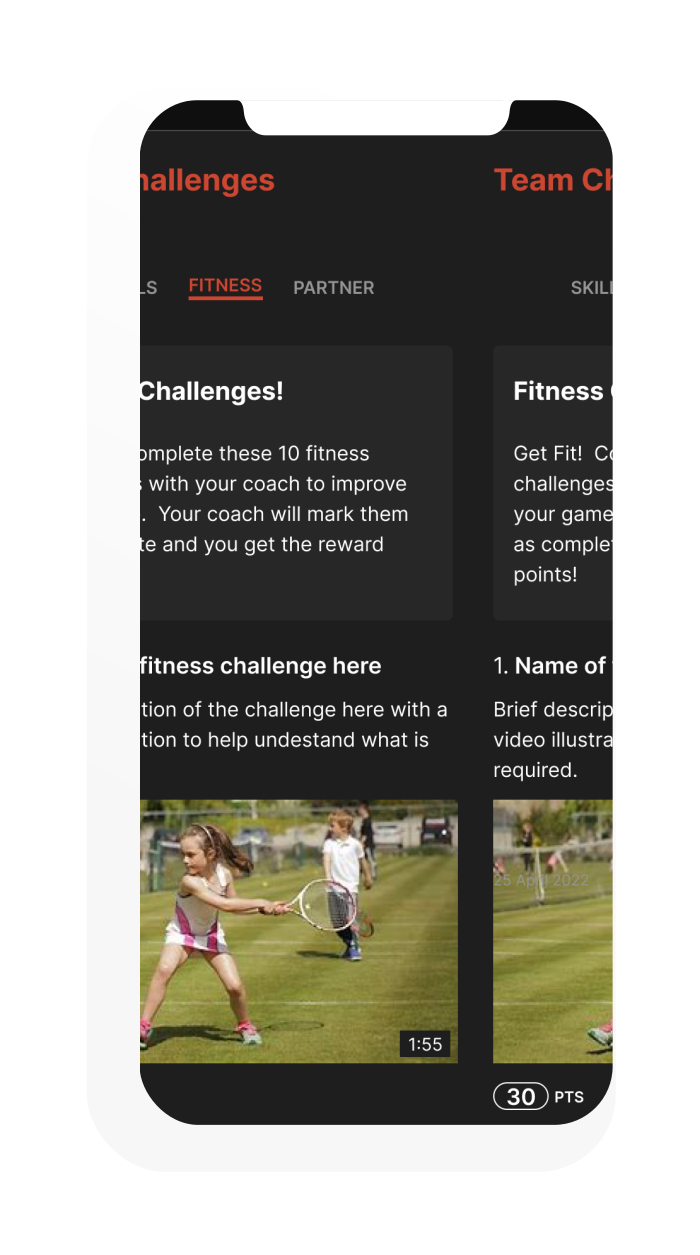
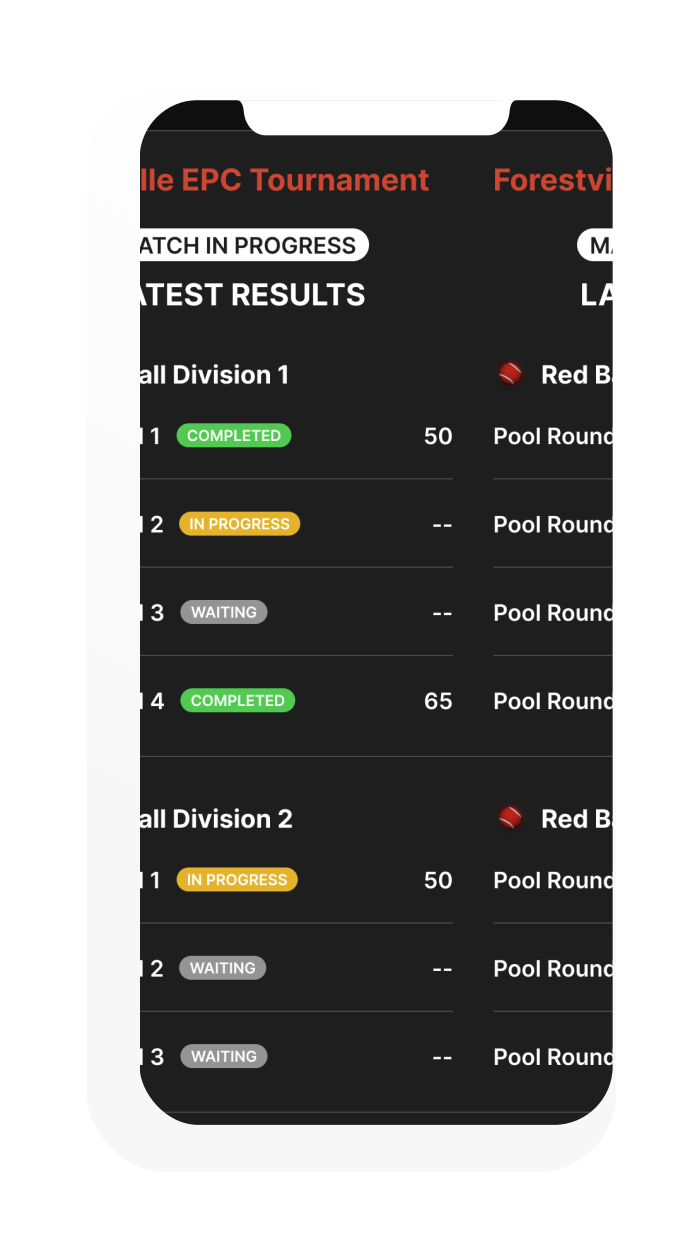
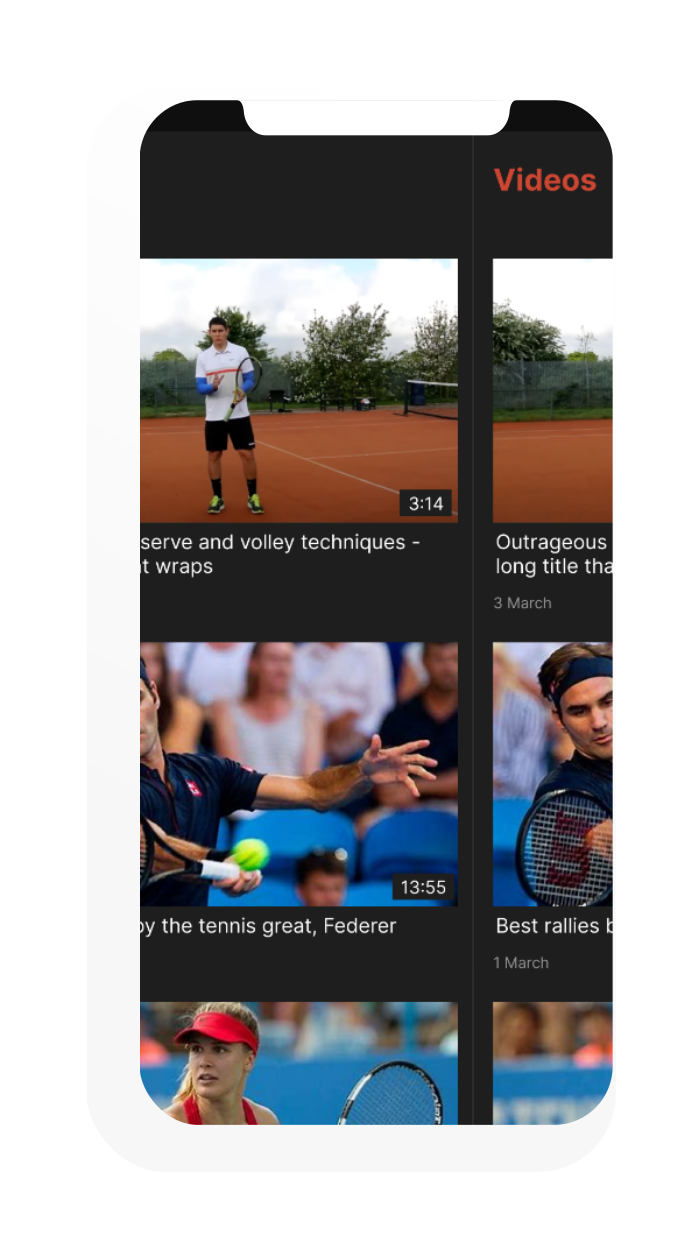
All 70+ screens across four personas — covering onboarding, dashboards, event registration, leaderboards, media sharing, reward redemption and every state in between.
Game, set, shipped.
A fully interactive prototype spanning 70+ screens — designed for kids from 5 to 15, complete with monster avatars, a colour-coded skill ladder and a reward system that makes getting better at tennis genuinely exciting.